


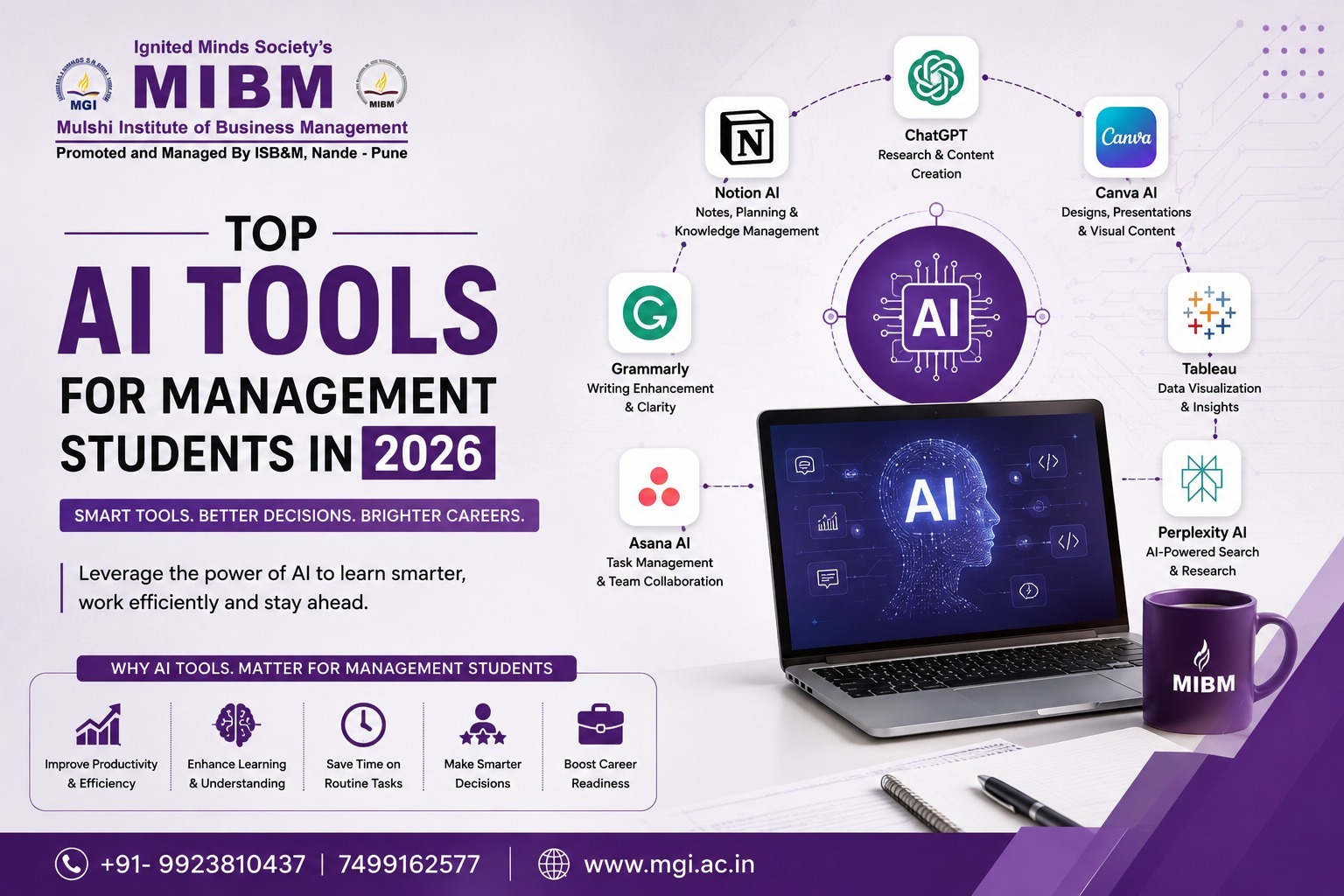
Management education is no longer limited to classrooms, case studies and presentations. Today’s employers also value data skills, market awareness, clear communication and smart technology use.
AI can help—but it should support your thinking, not replace it. Use it to research faster, organise ideas, practise interviews and improve your work while keeping your judgement and originality at the centre.
At MGI (Mulshi Group of Institutes), we help students build practical, career-ready skills. Here are the AI tools every management student should know in 2026.
Admission Open for PGDM Program at MGI
Quick AI Toolkit for Management Students
|
Student Need |
Useful AI Tools |
Best Use |
|
Research |
Perplexity, ChatGPT, Gemini |
Market research, topic exploration and explanations |
|
Study notes |
NotebookLM, Notion AI |
Summarising lectures and organising information |
|
Writing |
Claude, ChatGPT, Grammarly |
Draft improvement, clarity and proofreading |
|
Presentations |
Canva AI, Gamma |
Slides, layouts and visual storytelling |
|
Data analysis |
Microsoft Copilot, Julius AI, Excel AI features |
Trends, formulas, charts and business insights |
|
Business intelligence |
Power BI, Tableau |
Dashboards and reporting |
|
Meetings |
Fireflies.ai, Otter.ai, Fathom |
Transcripts, summaries and action points |
|
Placements |
ChatGPT, Claude, Resume Worded |
Interview practice, CV improvement and role research |
Tool availability, pricing and features can change frequently, so students should check the official websites before subscribing. Current management-student tool guides commonly recommend ChatGPT, Claude, Perplexity, Notion AI, Microsoft Copilot, Julius AI, Canva and Tableau for academic and career-related work.
1. ChatGPT: The All-Round Academic Assistant
ChatGPT is useful for almost every stage of a management student’s work. It can help you understand a difficult concept, brainstorm case-study angles, create a survey structure, practise interview questions or review a draft report.
Use it for:
-
Explaining accounting, marketing, economics or HR concepts.
-
Creating case-study questions.
-
Generating SWOT, PESTLE and competitor-analysis frameworks.
-
Practising group discussion topics.
-
Preparing role-specific interview questions.
-
Turning rough ideas into a report outline.
-
Creating Excel formulas or basic data-analysis steps.
Do not ask, “Write my entire assignment.” Ask better questions such as:
“Act as a marketing mentor. Help me compare two positioning strategies for a budget fitness brand. Ask me five questions before suggesting a framework.”
This forces you to think before accepting an answer.
2. Perplexity: Research with Sources
A management student often needs current information—market size, industry trends, competitor activity, company performance and consumer behaviour. Perplexity can help discover information through web-based answers with citations. It is particularly useful when you need to identify sources quickly rather than depend on random search results.
Practical uses:
-
Industry research for a business plan.
-
Competitor comparison.
-
Recent company announcements.
-
Market-entry research.
-
Finding reports and public data.
-
Preparing a case discussion.
3. NotebookLM: Turn Your Study Material into a Tutor
NotebookLM is useful when your information already exists in PDFs, class notes, reports or presentations. Upload permitted study material and use it to create summaries, compare ideas, identify themes or generate questions from those sources.
Try it for:
-
Summarising a long annual report.
-
Comparing two case studies.
-
Preparing revision questions.
-
Creating a study guide from lecture notes.
-
Finding where a concept appears in your uploaded documents.
-
Revising before internal examinations.
This is more reliable than asking a general chatbot about a topic because the conversation is grounded in the documents you provide. Still, verify the response against the original material.
4. Microsoft Copilot and Excel AI Features
Finance, operations and analytics students should become comfortable with AI-assisted spreadsheets. Microsoft Copilot can help users understand data, suggest formulas, identify trends and create summaries when used with eligible Microsoft 365 plans.
Useful applications:
-
Explaining a complicated formula.
-
Identifying sales trends.
-
Creating a variance-analysis table.
-
Drafting a financial summary.
-
Cleaning and organising spreadsheet data.
-
Suggesting charts for management reports.
The tool can assist with the process, but students must understand the logic behind the output. A recruiter may ask you why a margin changed or how a forecast was calculated. Clicking a button is not the same as understanding business analysis.
5. Julius AI: Data Analysis Without Heavy Coding
Many management students feel nervous about datasets. Julius AI is designed to help users analyse spreadsheet and CSV files through natural-language instructions. Business-student guides list it for data analysis, visualisation and forecasting.
You might ask:
-
“Show the monthly sales trend.”
-
“Compare revenue across regions.”
-
“Find the products with declining sales.”
-
“Create a chart showing customer retention.”
-
“Explain the relationship between advertising spend and conversions.”
6. Canva AI: Better Presentations and Visual Content
A management student is often judged by how clearly an idea is communicated. Canva AI can help create presentation layouts, social media graphics, posters, diagrams and basic campaign concepts.
Use it for:
-
Pitch decks.
-
Marketing campaign visuals.
-
Event posters.
-
Infographics.
-
Resume design.
-
Brand mood boards.
-
Business-model illustrations.
7. Gamma: Build a First Draft of a Deck
Gamma and similar AI presentation tools can turn a written outline into a structured deck. They are useful when a student has good content but struggles with slide flow or visual design. Current AI-tool guides commonly include Gamma among the presentation tools used by business students.
A sensible workflow is:
-
Write the argument yourself.
-
Create a slide-by-slide outline.
-
Use Gamma to generate a first design.
-
Replace generic text with verified facts.
-
Edit the story and simplify the slides.
-
Add sources and acknowledge data.
Never submit an untouched AI-generated deck. It may contain empty claims, repetitive language or irrelevant visuals.
8. Grammarly and Writing Assistants
Management students write emails, reports, resumes, project summaries and business proposals. Grammarly and similar tools can identify grammar issues, unclear sentences and inconsistent tone.
Use them to improve:
-
Professional emails.
-
Executive summaries.
-
Internship applications.
-
Research reports.
-
LinkedIn posts.
-
Presentation scripts.
9. Fireflies.ai, Otter.ai and Fathom
Group projects and meetings often produce long conversations but very few written action points. AI meeting assistants such as Fireflies.ai, Otter.ai and Fathom can transcribe conversations, summarise key points and identify follow-up tasks.
Students can use them for:
-
Project meetings.
-
Internship discussions.
-
Faculty consultations.
-
Student-club planning.
-
Mock interviews.
-
Case-competition coordination.
Always obtain consent before recording a meeting. Do not upload confidential discussions, interview data or sensitive personal information without permission.
10. AI for Placements and Interviews
AI can be a useful placement coach if you use it for practice rather than shortcuts.
Try these activities:
-
Paste a job description and identify the required skills.
-
Practise answers using the STAR method.
-
Ask for follow-up questions after every response.
-
Improve the clarity of your CV.
-
Simulate a finance, marketing or HR interview.
-
Practise case interviews with time limits.
-
Prepare questions to ask the recruiter.
AI cannot replace real mock interviews, but it gives you a low-pressure way to practise daily.
Choose Tools by Specialisation
|
Specialisation |
Recommended Starting Tools |
Main Application |
|
Marketing |
ChatGPT, Perplexity, Canva |
Campaigns, consumer research and content |
|
Finance |
Excel Copilot, Julius AI, Power BI |
Modelling, analysis and dashboards |
|
HR |
ChatGPT, NotebookLM, Grammarly |
Policies, interview practice and communication |
|
Operations |
Excel Copilot, Power BI, ChatGPT |
Process analysis and forecasting |
|
Business Analytics |
Julius AI, Tableau, Power BI |
Visualisation and decision-making |
|
Entrepreneurship |
Perplexity, Canva, Gamma |
Market research, pitches and validation |
Start with two or three tools. Building a complicated “AI stack” before understanding your actual needs can become another form of procrastination.
Responsible AI Use on Campus
AI is powerful, but careless use can damage your learning and credibility.
-
Check every statistic and citation.
-
Do not submit AI-generated work as entirely your own.
-
Follow your institute’s academic-integrity rules.
-
Keep drafts, notes and research records.
-
Avoid uploading confidential data.
-
Do not use AI to fabricate interviews or survey results.
-
Mention AI assistance where your assignment policy requires it.
-
Use AI to question your thinking, not replace it.
Final Words
AI literacy is quickly becoming part of professional literacy. Whether you are preparing a case study, analysing sales data, designing a campaign, leading a student project or appearing for placements, the right AI tool can save time and improve the quality of your first draft.
At MGI (Mulshi Group of Institutes), we encourage students to build practical, future-ready skills along with academic knowledge. Start with one real problem, select one suitable tool, verify the output and improve your own ability in the process.
Use AI as your assistant—not your substitute.
FAQs
1. Which AI tool should a management student learn first?
Start with ChatGPT for brainstorming, explanations and interview practice. Add Perplexity for sourced research and Canva or Gamma for presentations.
2. Can AI write my MBA assignment?
It can help with research, structure and editing, but you should write, verify and personalise the final assignment. Submitting unedited AI-generated work may violate academic-integrity rules.
3. Which AI tools are useful for finance students?
Microsoft Copilot in Excel, Julius AI, Power BI and Tableau are useful for formulas, data analysis, forecasting and business dashboards.
4. Is it safe to upload company or customer data to AI tools?
Not unless you have permission and understand the tool’s privacy terms. Remove personal, confidential and commercially sensitive information before uploading files.